
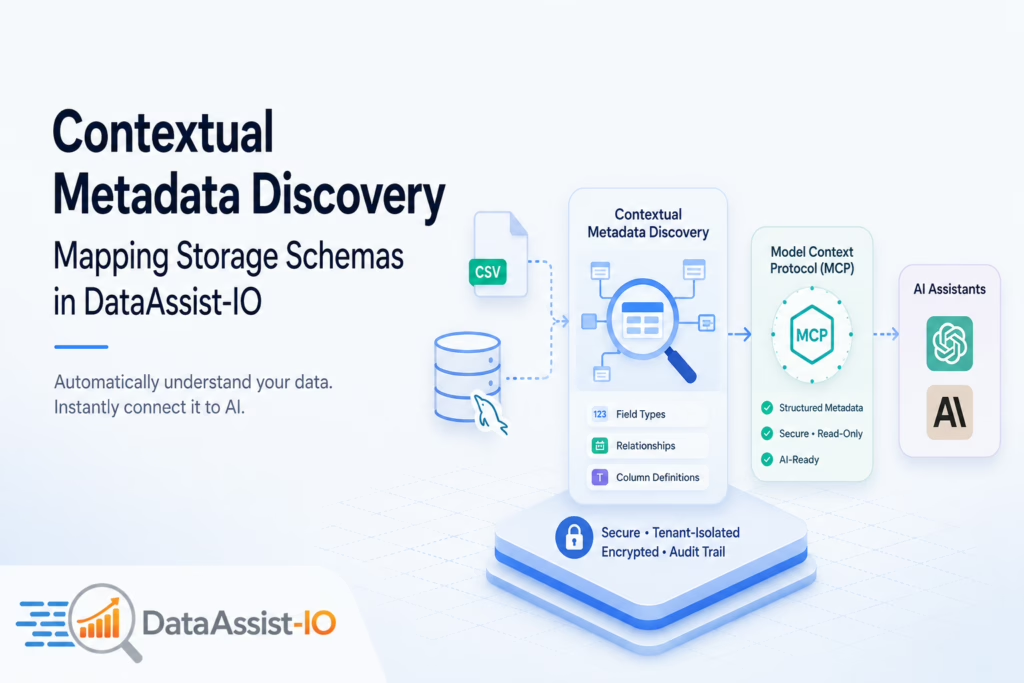
Contextual Metadata Discovery is the automated process where DataAssist-IO instantly reads the underlying architecture, field types and relationships of your uploaded files or connected databases — without any manual mapping. By interpreting structural connections behind the scenes, the system translates raw storage schemas into clear definitions that AI assistants understand right away.
How It Works
📂 Auto Schema Discovery
When you upload a CSV or connect a MySQL database, the platform scans column headers, field types and row distribution — building a technical map of your data without moving or altering any files. Everything stays secure through read-only access.
🔗 Model Context Protocol (MCP)
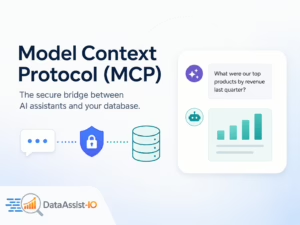
The MCP acts as the bridge connecting your mapped data structure directly to tools like Claude or ChatGPT. Instead of feeding raw schemas into an LLM, the platform delivers a structured metadata outline through your unique MCP connection URL — so the AI knows exactly what tables and columns exist before you ask your first question.
🗂️ Business Context Layer
Raw databases often use cryptic column names like usr_stat_cd or rev_m_01. The business context layer lets you define these once — mapping them to everyday concepts like “user status” or “monthly revenue” — so your sales and finance teams can ask questions naturally.
Is Your Database Structure Exposed?
Security is central to how metadata is processed. Your raw data stays tenant-isolated and fully encrypted. The platform only reads the structural blueprint — it never copies your entire database into the LLM.
Admins can verify this behavior at any time through the complete audit trail, ensuring your backend layout remains protected while staying fully searchable.
- ✅ Tenant-isolated data
- ✅ Fully encrypted at rest
- ✅ Read-only schema access
- ✅ Complete audit trail
Prepare Your Datasets for Perfect Mapping
While the metadata discovery tool handles the heavy lifting, a few simple steps will speed up the process and improve accuracy:
Clean Your CSV Headers
Remove empty cells, duplicate column titles and completely blank rows before uploading your files.
Use Descriptive Table Names
Replace obscure abbreviations with clear, descriptive names for your custom database tables.
Separate Related Data
Keep customer records separate from transaction histories so the AI can build clean, accurate relationship maps.
Use Your Context Dictionary
Phrase queries using the exact column labels or terminology you established in your custom context dictionary for best results.
Ready to Connect Your Data?
Learn more about how Contextual Metadata Discovery connects your data to LLMs on the DataAssist homepage or explore all supported data sources and layout capabilities on the features page.