
Can I Use DataAssist-IO Without Any SQL Knowledge? Yes — Completely
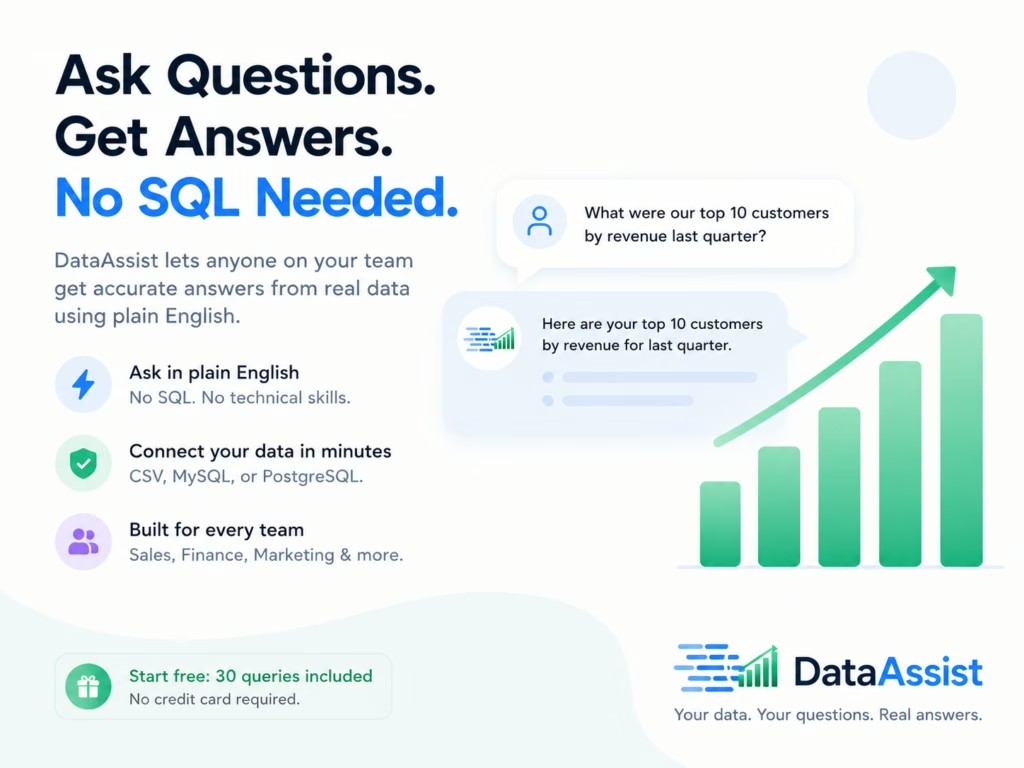
DataAssist-IO is built specifically for people who have never written a line of SQL and never plan to. You type your question in plain English, and it returns accurate answers from your actual data — no query language, no technical setup, no analyst in the loop.
Why SQL Has Always Been the Bottleneck
SQL is powerful. It’s also a specialist skill that most business teams simply don’t have — and shouldn’t need to learn just to answer basic questions about their own data.
The traditional flow looks like this: you have a question, you write a ticket, you wait for an analyst who is already stretched thin, and by the time the answer arrives, the moment has passed. Decisions get made on instinct instead.
DataAssist-IO cuts that loop entirely. Once your data is connected, anyone on your team — Sales, Marketing, Finance, Operations — can ask questions directly. “What were our top 10 customers by revenue last quarter?” or “How many deals closed in March versus February?” Just type it, get the answer.
How the Plain English Layer Actually Works
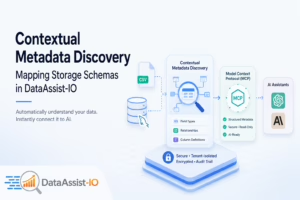
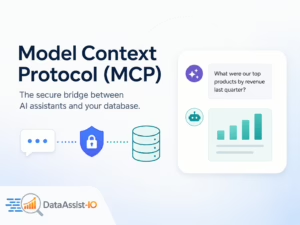
Under the hood, DataAssist-IO uses MCP (Model Context Protocol) to connect your data directly to Claude or ChatGPT. When you ask a question, the AI already knows your data structure — column names, relationships, data types — because DataAssist-IO handles schema discovery automatically when you connect your source.
That means the AI isn’t guessing. It’s reading your actual data and translating your plain English question into an accurate query behind the scenes. You never see the SQL. You just see the answer.
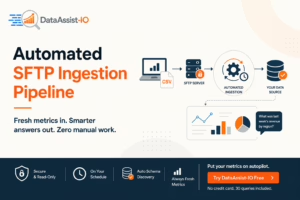
You can upload a CSV file or connect a MySQL or PostgreSQL database. Either way, the setup takes under two minutes — paste one URL into your AI assistant settings and you’re done. There’s a step-by-step guide on the integrations page if you want to see exactly what that looks like.
Ready to try it? Ask your data anything in plain English — no credit card needed, and your first 30 queries are on us.
What Happens When Your Terminology Is Specific to Your Business
Generic AI tools don’t know what “ARR” means at your company, or how you define “active customer,” or which pipeline stages you actually track. That ambiguity causes wrong answers.
DataAssist-IO has a business context layer where you define your key terms once — your metrics, your abbreviations, your custom definitions — and the AI applies them consistently across every query your team asks. No retraining required. You set it once and it sticks.
This is especially useful for Finance teams tracking KPIs across multiple spreadsheets, or Sales teams who need pipeline metrics sliced a specific way without explaining the logic every single time.
How to Get Accurate Answers Without SQL
Here’s what actually makes a difference when you start querying your data in plain English:
- Be specific about time periods. “Last month” works, but “Q1 2025” or “January 1 to March 31” gives the AI less room to interpret.
- Name the metric you want. Instead of “show me sales,” ask “show me total revenue by sales rep for the last 30 days.”
- Define your terms upfront in the business context layer. If “active customer” means something specific at your company, set that definition once so every query uses it correctly.
- Start simple, then layer on. Ask one question first, confirm the answer looks right, then build on it — “Now break that down by region.”
- If an answer looks off, rephrase. Try adding more context or breaking a complex question into two smaller ones.
So ask yourself this: how many questions about your data went unanswered last week simply because no one had the time or the SQL skills to pull them?
Stop Waiting. Start Asking.
SQL knowledge was never the point — getting answers was. DataAssist-IO gives every person on your team direct access to their data, no technical skills required. 30 queries, no credit card, minutes to set up. Your data already has the answers — now you can actually get to them.